What Is the Best PDA Barcode Scanner in 2026?
A Pda Barcode Scanner may look impressive on a product page, but daily work reveals whether it truly fits. In 2026, the best choice depends on the job, the barcode types, and the conditions around the operator. A warehouse worker scanning cartons needs different strengths from a retail employee checking small labels. On a busy shift, slow decoding, awkward buttons, or a battery that fades early can disrupt the whole routine. Small details matter.
This guide compares the features that affect real use: scan performance, screen readability, battery life, wireless connectivity, durability ratings, and software support. It also considers grip, weight, and how easily staff can learn the device. A high rating is useful, but it cannot replace checking compatibility with your existing inventory system. Ask suppliers about warranty terms, repair options, and support timelines, then confirm important specifications against current product documentation. No scanner is perfect. Even careful comparisons can miss what a device feels like after hours of use, so hands-on testing remains valuable when available. The recommendations ahead aim to make trade-offs clear, not declare one model right for every business. The best scanner is the one that performs reliably in your actual workflow, at a cost your operation can sustain.
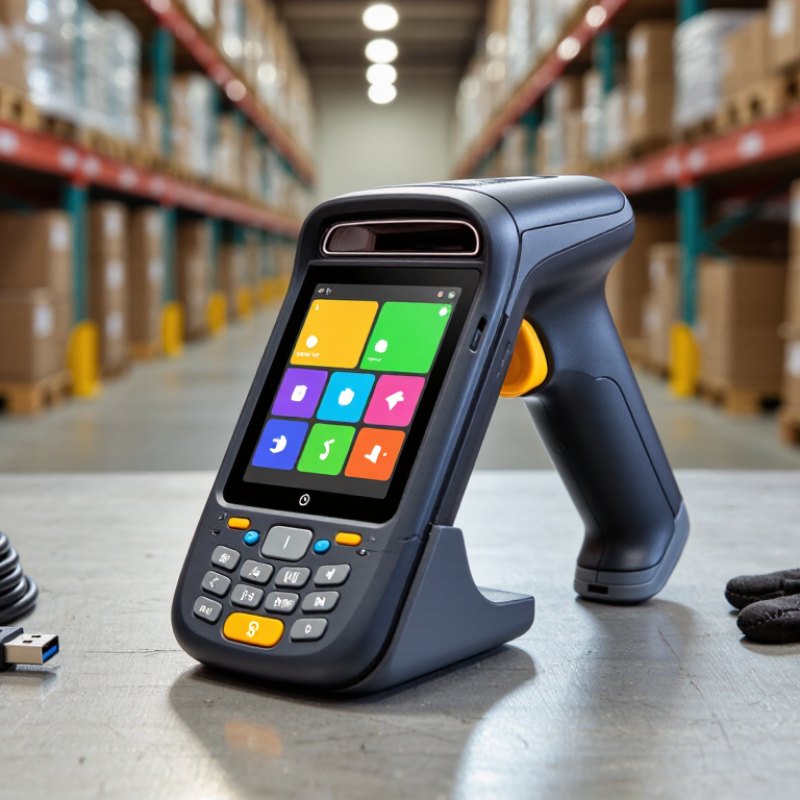
Understanding PDA Barcode Scanners and Their Core Functions
A PDA barcode scanner is a handheld computer with an integrated barcode reader. It typically includes a display, buttons or touch controls, a battery, and wireless connectivity. The scanner captures a code, while the device runs software that can match it to an item record. That sounds simple. In practice, the quality of the result also depends on clear labels, suitable lighting, and correctly configured software.
In a warehouse, a worker might scan a carton at receiving, check its item number on screen, and enter a quantity before putting it away. The device can send that record to an inventory system over Wi-Fi or save it temporarily when the connection drops. Offline support matters. So do battery life and a screen that stays readable under bright lights. A fast scan is useful, but a dependable confirmation sound or visual message can prevent missed entries.
PDA scanners are not all suited to the same workload. A compact model may be easier to carry through a shop, while a rugged housing can better handle repeated drops and dusty work areas. Scan range, keyboard style, and charging options deserve a practical trial with real labels. I would not choose by scan speed alone; it is easy to overlook comfort during a full shift. Even a capable device can feel awkward after several hours.
Key Features That Define a PDA Scanner in 2026
What Is the Best PDA Barcode Scanner in 2026?
Key Features That Define a PDA Scanner in 2026
A capable PDA scanner should read damaged 1D and 2D barcodes quickly, even under warehouse lighting. Look for a responsive touchscreen, a physical scan trigger, and a grip that stays comfortable through repeated picks. In a busy aisle, a missed scan can mean turning back with a full cart. Small details matter. A bright screen alone is not enough; check visibility in sunlight and whether gloves work reliably.
Durability and connectivity matter just as much. Consider a replaceable battery for long shifts, an IP rating suited to dust or splashes, and dependable Wi-Fi roaming between aisles. Choose a device with a clear security-update policy and software support that fits your planned service life. The World Economic Forum’s Future of Jobs Report 2025 says 86% of surveyed employers expect AI and information-processing technologies to transform their business by 2030. That is not a scanner specification, but it highlights why accurate, connected data capture is increasingly important.
Tips: Test candidate devices with your actual labels, gloves, and work apps. Measure scan success, comfort, and battery life across a full shift—not just during a quick demo. Ask warehouse staff, too. Their feedback may challenge your shortlist.
Choosing a PDA Barcode Scanner in 2026: Compare the ingress protection ratings that matter for your work environment. Under IEC 60529, the first digit indicates protection against solid particles and the second indicates protection against water. These ratings are protection classes, not overall quality scores.
How to Compare Scanning Performance, Durability, and Connectivity
A PDA barcode scanner should be judged by real workflow, not a headline scan-rate claim. Compare first-pass reads on clean, curved, glossy, and partly creased labels. Check performance at the actual shelf distance, under dim aisle lighting, and while the operator is moving. Small differences matter: a failed scan can mean turning a carton or repeating a task. Brief pauses add up.
Durability and connectivity deserve equal weight. Check the published drop and ingress-protection ratings, then test devices with gloves, cold hands, and damp screens. Test it wet. In the 2024 MHI Annual Industry Report, 55% of respondents said they were increasing supply-chain technology investment; that signals attention to upgrades, not proof that any scanner improves productivity. Measure Wi-Fi roaming between aisles, Bluetooth pairing with a wearable, and offline behavior during a network gap. Watch for delayed uploads and duplicate records. One awkward truth: lab results may not match a glossy, damaged carton on a busy shift. Record scan success, reconnect time, and battery life across a full workday before choosing a fleet device.
How to Choose the Best PDA Barcode Scanner for Your Needs
Choosing the best PDA barcode scanner starts with the work it must handle, not a headline specification. Map the daily tasks: scanning shelf labels, entering quantities, taking photos, or confirming deliveries. A grocery aisle and a dusty loading area place different demands on a device. Small details matter. Check its weight, grip, screen readability, and button placement while wearing the gloves used on shift.
Match the scanner’s reading range and scan engine to your labels. Dense barcodes on small packages may need different optics from labels scanned across a pallet. Test real samples, including damaged or low-contrast labels. Test it on-site. Compare scan success and speed in the actual lighting, rather than relying only on laboratory figures. I would not assume the fastest advertised scan rate makes a team faster; awkward software or repeated menu steps can slow work more.
Battery life should cover the longest shift, with capacity left for busy periods. Check wireless coverage in storage rooms, plus how the device behaves when temporarily offline. Confirm that its operating system works with your inventory software and that security updates and repairs are available. Ask about drop resistance, cleaning requirements, warranty terms, and replacement parts. There is no perfect checklist: a rugged model may feel bulky, while a lighter one may need more careful handling. Let staff test both before deciding.
